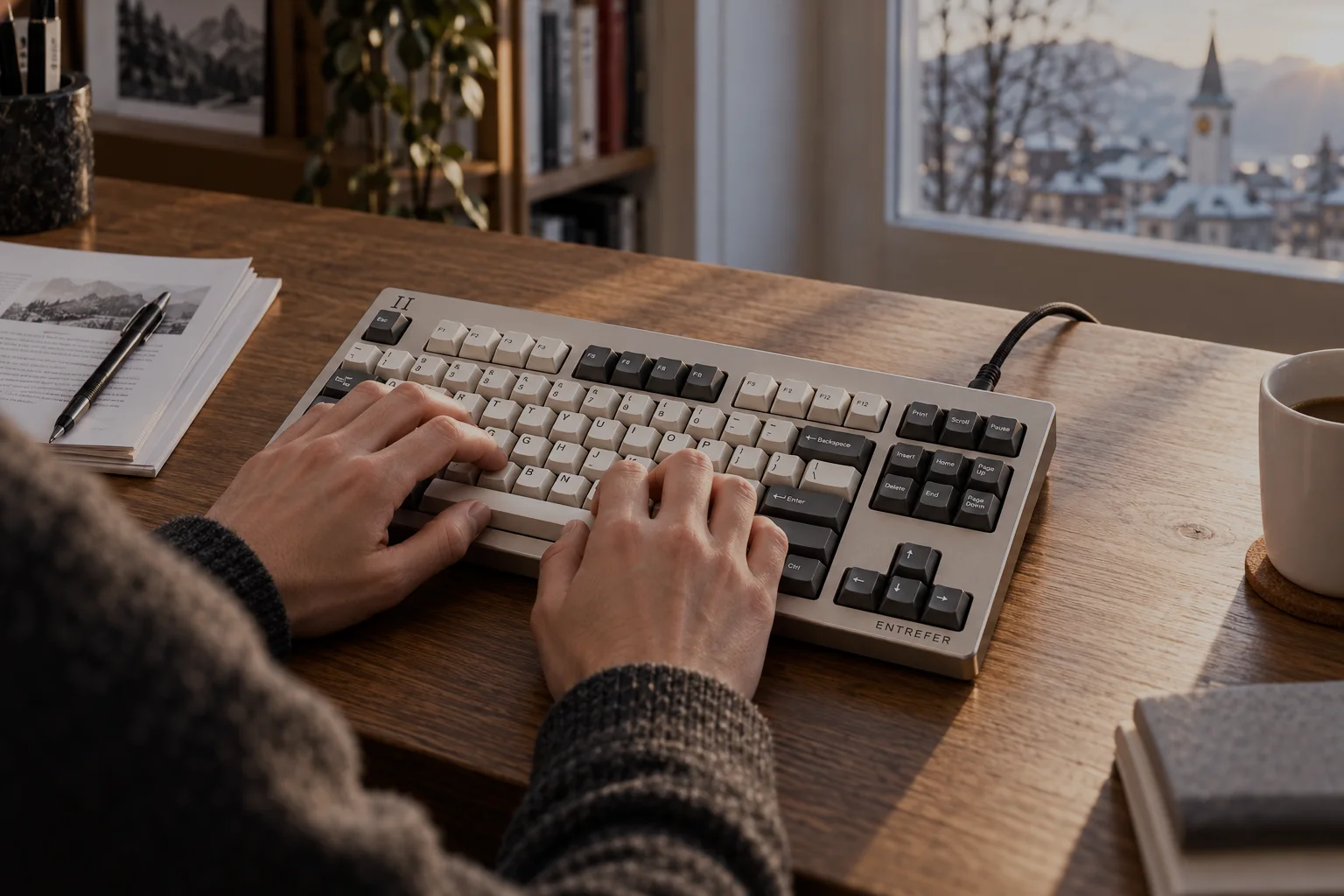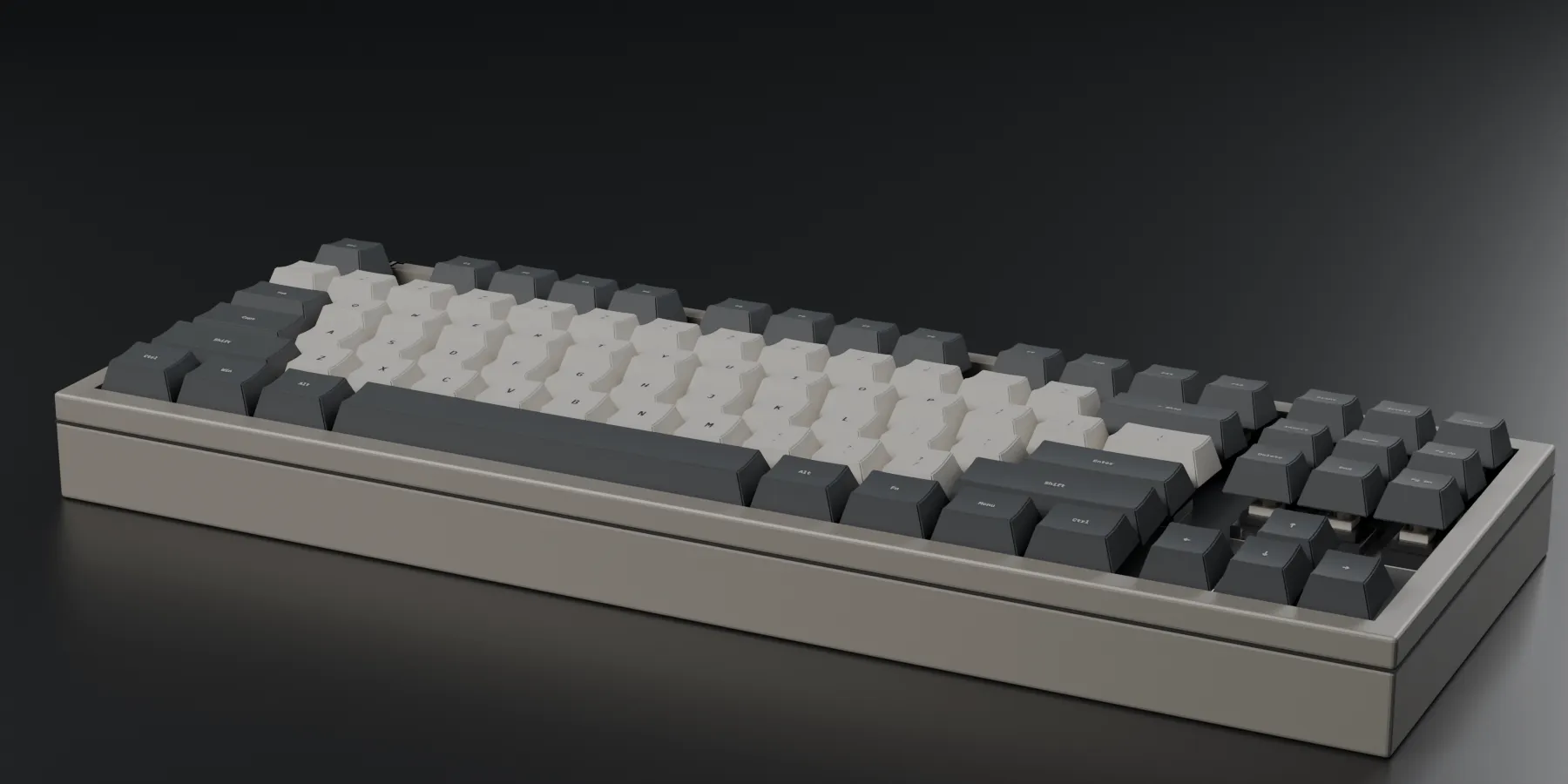
ÉTALON 87
Eighty-seven keys.
Eighty-seven sensors.
Every key on an ENTREFER board is a magnetic position sensor. Not a switch that closes — a sensor that reports where your finger is, in millimetres, 8 000 times a second, for the whole 3.60 mm of travel.
01 · The case
It comes apart.
Six layers, and each one is a decision. 6082-T6 aluminium, machined and anodised in the valley, bead-blasted at 120 grit. A gasket mount so the plate can move. No glue anywhere in it: four hex screws and the board is open on a desk.
02 · Keycaps
CHIFFRE.
Dye-sublimated PBT, 1.4 mm wall, Cherry profile. The dye is in the plastic rather than on it, so there is no layer to wear through and no shine after a year. Cream alphas, slate modifiers — and four keys that carry a measurement instead of a word.
03 · Switches
PALPEUR.
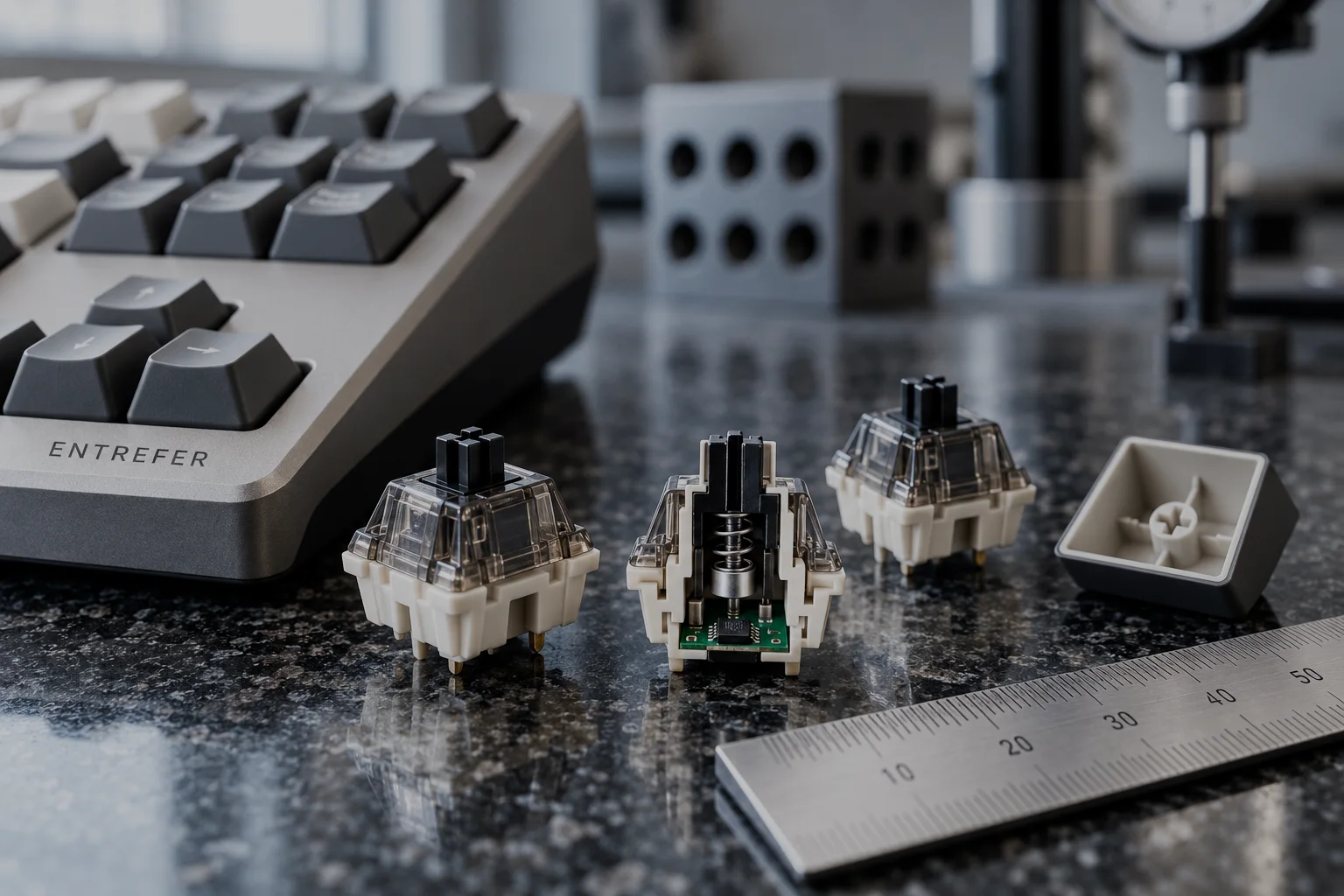
Eighty-seven of them, five-pin, in hot-swap sockets. There is no electrical contact inside any one: a ⌀2 mm magnet in the stem, a sensor underneath, and 3.60 mm of travel with nothing to bounce, oxidise or erode. Rated at 100 million actuations, because the only parts that wear are the spring and the stem rails.
04 · Plate
1.5 mm of FR4.
On two Poron gaskets, with a 14.0 mm cut-out under every key. FR4 because it is the same material as the circuit board beneath it: the two expand together, so the air gap this whole keyboard depends on does not drift with the temperature of the room.
05 · The board
And under every key,
an EF-1c.
One 14-bit magnetic position sensor per key, on 19.05 mm centres, read 8 000 times a second — all eighty-seven at once, continuously, whether you are pressing them or not. That is the entire idea. Everything else on this site follows from it.
Your keyboard tells the browser
one thing.
Down.
Every key on an ENTREFER board is a magnetic position sensor. It does not report that something happened — it reports where the key is, in millimetres, 8 000 times a second, for the whole 3.6 mm of travel.
Press and hold any key. Or press and hold the key below.
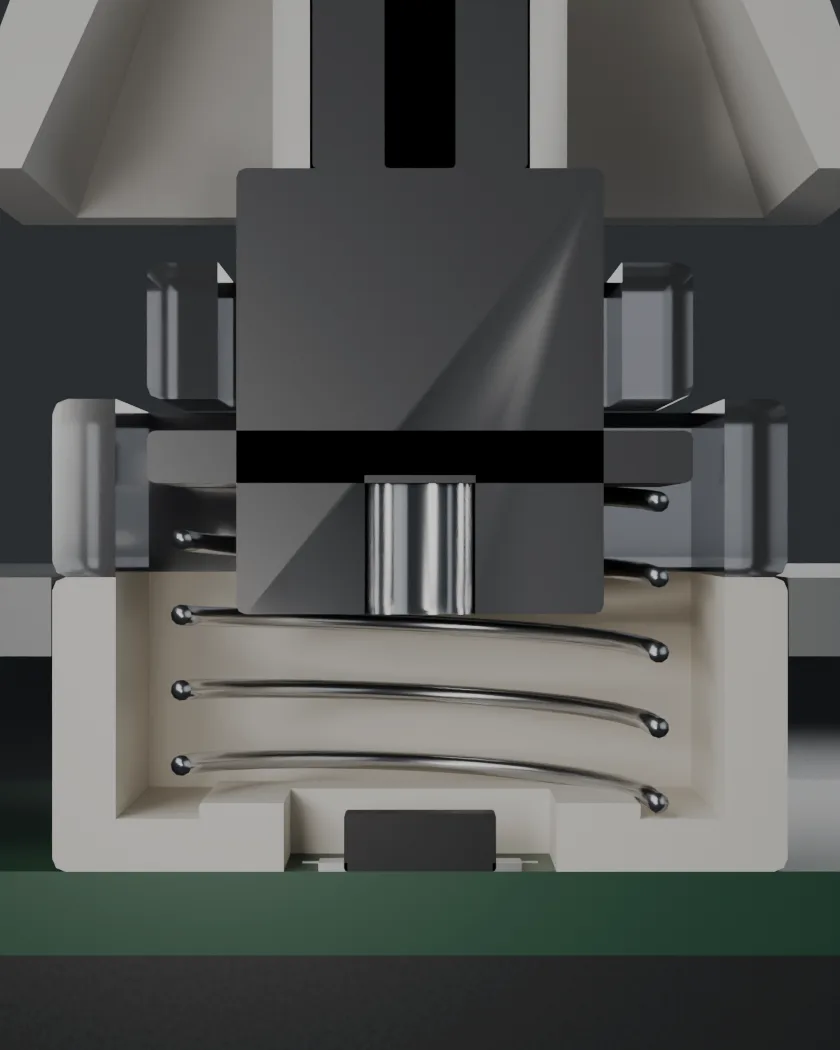
The same switch, rendered at 37 known depths. It follows your finger.
What is real here and what is not. The two timestamps are real: your browser told us when the key went down and when it came up. Everything between them is a model — a damped rise to the stop in 42 ms, a hold, a 55 ms return — because your keyboard never measured a depth and so could not have sent one. The flux, the counts and the noise are not modelled: they come from the field equation, at the depth shown. The equation is on the next page.
The company
An instrument maker
that builds keyboards.
ENTREFER SA began in 2021 making the EF-1, a magnetic position sensor for watch-testing benches in Neuchâtel — a part that measures the lift of a pallet fork, a few tenths of a millimetre, without touching it.
In 2023 one of us put an EF-1 under a keycap to settle an argument about how far a key travels before it registers. The answer was 2.0 mm, and nobody in the room could feel where that was. The measurement turned out to be the product.
We still sell sensors to three movement manufactures. That is why the keyboards ship with a certificate: it is what the rest of the business already does.
The honest number
A magnetic keyboard is not equally precise everywhere.
A magnet's field does not fall off linearly. Over this switch's travel the sensor sees 24.8× more field at the bottom of the key than at the top — and the slope, which is what actually buys you resolution, varies by 42×.
So the position noise at 0.10 mm is 13.2 µm, and at 3.40 mm it is 0.31 µm. Same switch, same sensor, same firmware, forty-two times the precision at one end.
That is why our actuation range starts at 0.10 mm and not at zero, and it is why a competitor advertising 0.005 mm of adjustment near the top of the travel is quoting a number 2.6× smaller than their own noise floor. It is a real number in the firmware. It is not a real distance.
Depth into the key, mm → Drag across the chart.
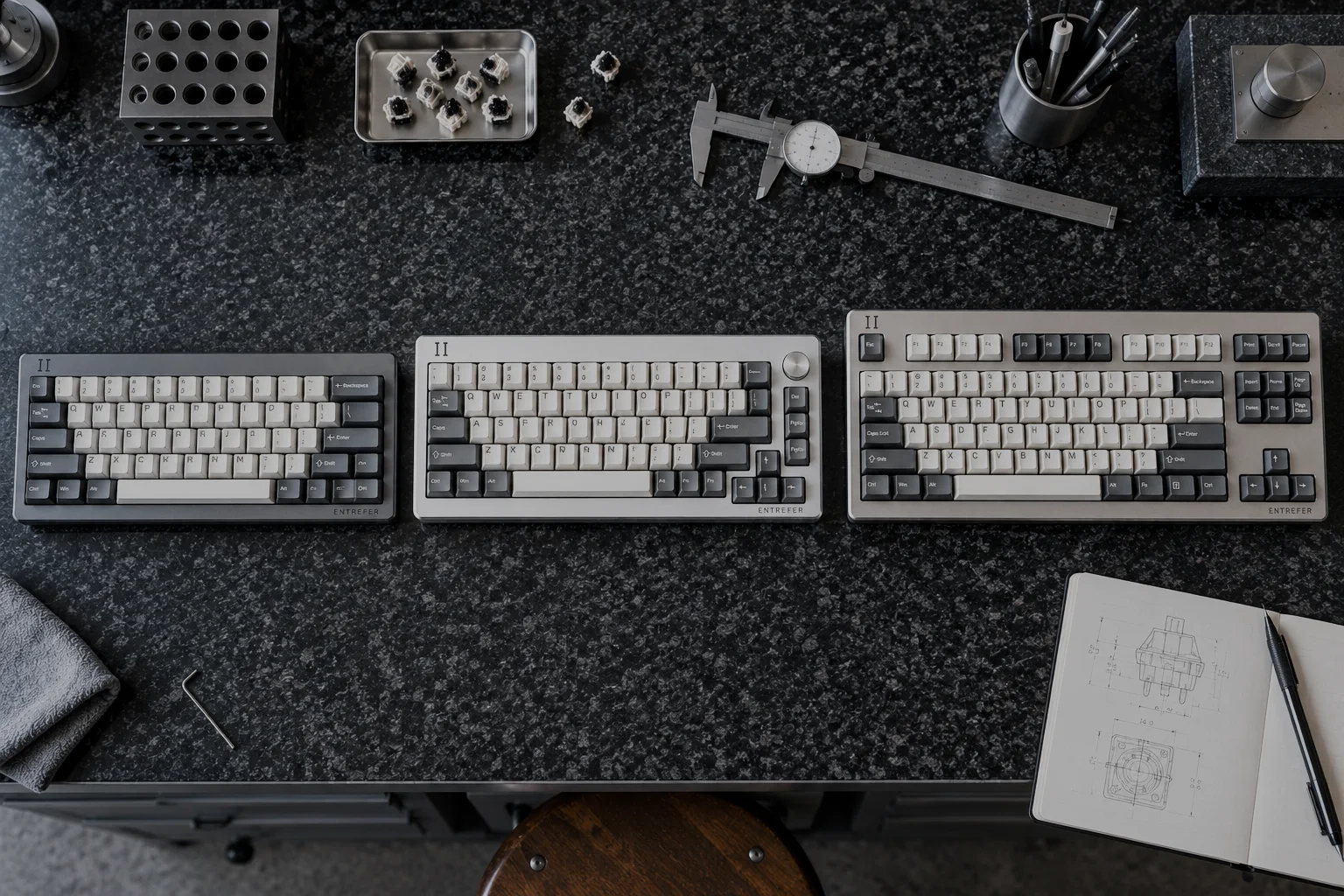
Three boards
VERNIER 61
The auxiliary scale. Reads the fraction between two divisions.
- Layout
- 60 %
- Keys
- 61
- Case
- 301.8 × 111.3 mm
- Report
- 1 000 Hz
CHF 329
CADRAN 68
A dial you can turn, on a board that already reads one.
- Layout
- 65 % + encoder
- Keys
- 68
- Case
- 320.8 × 111.3 mm
- Report
- 1 000 Hz
CHF 389
ÉTALON 87
The reference artefact. The one the others are measured against.
- Layout
- Tenkeyless
- Keys
- 87
- Case
- 363.7 × 135.1 mm
- Report
- 8 000 Hz
CHF 479
What the sequence is
Thirty-seven frames of one switch, at thirty-seven known depths.
The section above is not a diagram and not a photograph. It is a Blender render of the same switch at every 0.10 mm of its travel, one camera, one light, one exposure — so that when your finger moves, the thing you are looking at is the same object in a different position and not a different object.
The air gap between the magnet's pole face and the sensor die closes from 4.30 mm to 0.70 mm. That is the entrefer. It is what the company is named after, and it is the only thing any of this measures.
Rapid trigger
Every keystroke you already threw away.
A normal key has to travel most of the way back up before it can fire again. Turn on rapid trigger in the instrument above and press the same key quickly: the grey ticks are the presses that would not have counted.
Both deltas are settable from 0.02 to 1.00 mm, per key, and it is off when the board arrives — because it changes how your keyboard behaves and that should be your decision, not a default.